Microsoft is starting to force-update Windows 10 machines from version 1803 to 1903 Microsoft knows best
By Cohen Coberly, Jul 17.2019

Microsoft has been known to force its Windows 10 users to update their machines; much to the chagrin of many customers. Though Microsoft's Windows 10 updates are usually fine and relatively stable, they do sometimes bring sweeping changes that can frustrate users or even cause performance issues and outright data loss.
With this volatility and unpredictability in mind, it's perhaps understandable that many users would try to avoid updating their machines for as long as possible. For several individuals, that means sticking to Windows 10's 1803 update, which came out around mid-2018.
Unfortunately for those folks, Microsoft has had enough of their reluctance to update and has opted to take matters into its own hands. Starting now, the tech giant will be force-updating computers running Windows 10 version 1803 to the latest version of the OS, which is the Windows 10 May 2019 update (version 1903). Microsoft says its reasoning primarily stems from a desire to keep user systems secure.
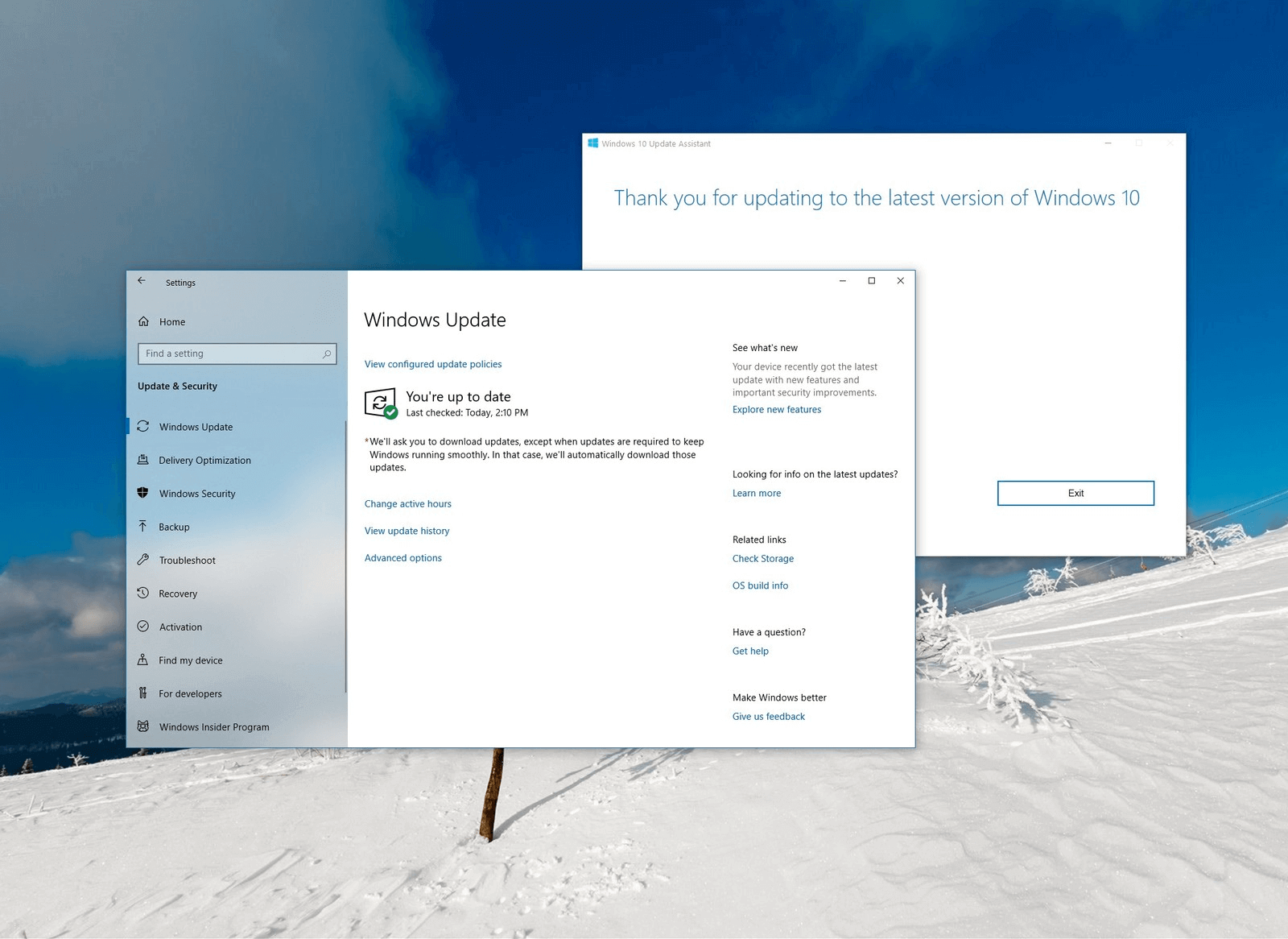
"Keeping these devices both supported and receiving monthly updates is critical to device security and ecosystem health," the tech giant wrote in a support article announcement. "Based on the large number of devices running the April 2018 Update, that will reach the end of 18 months of service on November 12, 2019, we are starting the update process now for Home and Pro editions to help ensure adequate time for a smooth update process."
Though some users will undoubtedly feel they know their machines and their potential security risks better than Microsoft does, there is no clear way to opt-out of this update -- short of using software like ShutUp10 to disable the functionality entirely (which can carry its own risks).
The good news is, Windows 10 version 1903 seems to be relatively stable so far and perhaps a bit ironically, it even includes some helpful new update control features. For example, the ability to "defer" updates was once a Pro-exclusive option, but all May 2019 update users will be able to utilize a similar functionality now. Specifically, Windows 10 version 1903 lets you push updates back up to 5 times, for 5 days each (up to 35 days in total). |



